Halloween Classroom Party Games: Free Online Games Kids Can Play at School
 By Yup7 Editorial Team
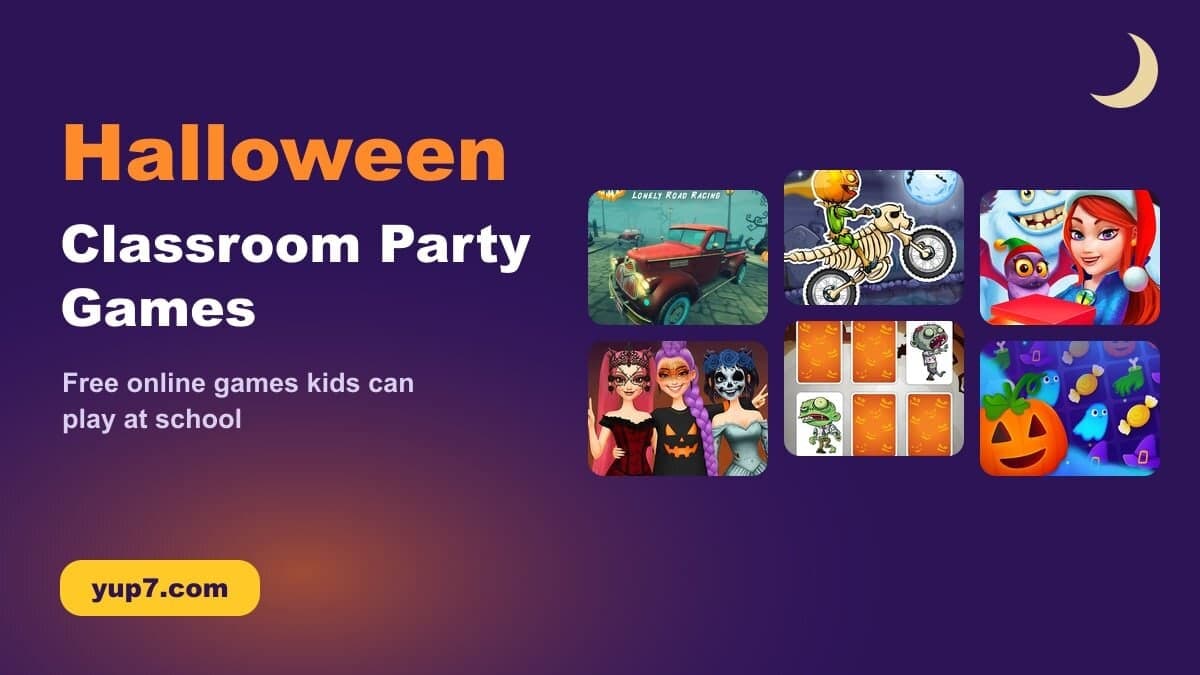
Halloween week at school is full of energy: costumes, candy and kids who find it hard to sit still. A few short online games can turn that energy into something fun and calm for the whole class. This guide collects free Halloween games that run in any browser, work on school Chromebooks and need no download or sign-up, sorted by age and by how much time you have.
A quick look at where Halloween comes from
Halloween grew out of Samhain, a Celtic festival held around October 31 that marked the end of the harvest and the start of winter. People believed that on this night the line between the living and the spirit world grew thin, so they lit bonfires and wore costumes. Later the evening before All Saints' Day became known as All Hallows' Eve, which was shortened to Halloween. Irish and Scottish immigrants brought many of these customs to North America in the 1800s, and trick-or-treating as children know it today spread across the United States in the first half of the twentieth century.
Today Halloween is mostly about costumes, pumpkins and friendly scares, and that is exactly the mood the games below try to capture.
Gentle Halloween games for younger kids
For kindergarten and the early grades, the best games have simple rules, bright pictures and nothing truly scary.
- Happy Halloween Memory: flip cards and find the matching pictures. The first level starts with only four cards and each new level adds more, so even the youngest players can join in.
- Happy Halloween: every pumpkin should end up smiling. Clicking a pumpkin switches it between happy and sad, which makes it a gentle logic puzzle about cause and effect.
- Halloween Match: tap spooky creature bubbles so they float up, and pop them by putting two of the same kind next to each other.
- Spooky Cupcakes: follow the steps on screen to bake cranberry cupcakes and decorate them for Halloween.
Puzzle games for older students
Third grade and up usually want something with a bit more challenge. These puzzles reward planning and patience.
- Witch Alchemist Saga: a Halloween match-3 with a huge number of boards, good for students who like beating high scores.
- Jewel Halloween: line up at least three pumpkins, monsters or skeletons to clear the board and collect coins.
- Halloween Connection: short tile puzzles with a range of difficulty, so some levels take real thinking.
- Halloween Mahjong Deluxe: classic mahjong with colorful Halloween icons, which makes finding pairs harder than it looks.
- Halloween Ghost Balls: a physics puzzle where you guide a group of ghosts through a maze with the mouse.
Racing games for a fun class challenge
Racing games are great for friendly competition because everyone can see who finishes first.
- Halloween Lonely Road Racing: a 3D racer with ten spooky levels, cars with their own abilities and a nitro boost.
- Moto X3M Spooky Land: ride a motorbike through graveyards and over pools of acid to reach the finish line. Students who already know Moto X3M will love this Halloween version.
Dress-up and creative games
Not every student wants to race or solve puzzles. Dress-up games let them design their own Halloween look.
- K-Pop Halloween Dress Up: choose costumes such as Witch, Pumpkin Queen or Vampire Idol, then add accessories and face paint.
- Barbie Halloween Trick or Treat: get Barbie ready for trick-or-treating with costumes to mix and match.
How to use these games in the classroom
A few simple ideas make online games work well during a busy Halloween week:
- Brain breaks: a five-minute round of a memory or match game between lessons helps restless students reset before the next task.
- Team play on the board: put one game on the projector, split the class into teams and let each team take a turn. Memory games and mahjong work especially well this way.
- Racing tournaments: have students race the same level of Moto X3M Spooky Land and write their best time on the board.
- Party stations: during the class party, set up one Chromebook with a dress-up game and another with a puzzle so students can rotate.
- Early finishers: keep the Halloween games collection open as a reward for students who finish their work early.
All of these games run in the browser, so there is nothing to install and no accounts to create. Many of them also work on tablets; each game page shows whether it is mobile friendly.
Why short games can be good for kids
Used in small doses, simple online games can do more than keep kids busy. Memory games practice remembering where things are. Match-3 and mahjong puzzles ask students to spot patterns and plan a move ahead. Logic puzzles like Happy Halloween show how one action changes another. Team games build turn-taking and cheering for classmates, and racing games give students a safe way to practice trying again after a mistake.
The key is balance. Short rounds of five to fifteen minutes fit well into a school day, and games work best as a break or a reward rather than the whole activity.
Questions teachers and parents ask
Are these Halloween games free?
Yes. Every game in this guide is free to play on Yup7, with no download and no sign-up.
Do they work on school Chromebooks?
Yes. They run in the web browser, so they work on Chromebooks, Windows laptops and Macs.
Are the games too scary for young children?
The games in the younger kids section are cute rather than scary: smiling pumpkins, friendly creatures and cupcakes. If you have very young or sensitive students, start with those and skip the racing games with skeletons and graveyards.
Where can I find more Halloween games?
Our Halloween Games category has every spooky game on Yup7 in one place, from racing to puzzles and dress-up.
Game guides and tips from the Yup7 team.