
 Free · No download · Plays in your browser











About Call of Ops 2
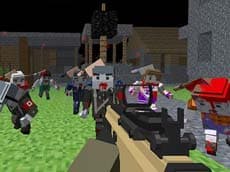
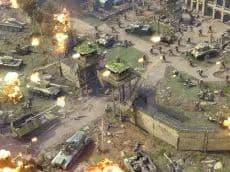
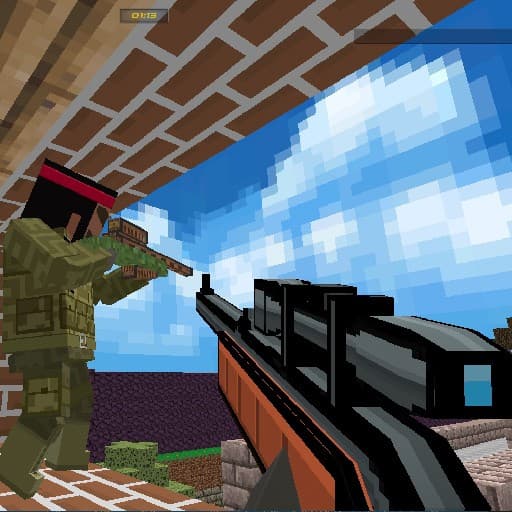
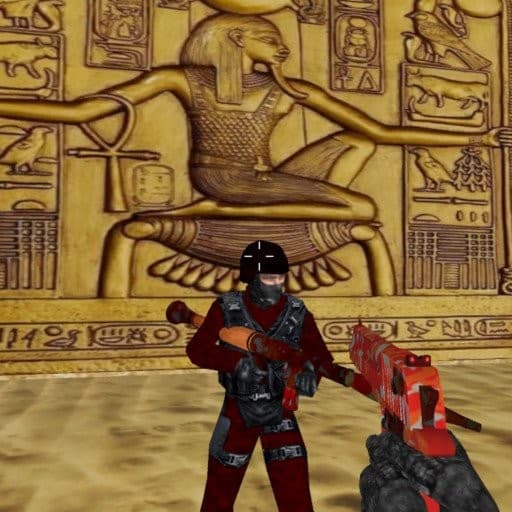
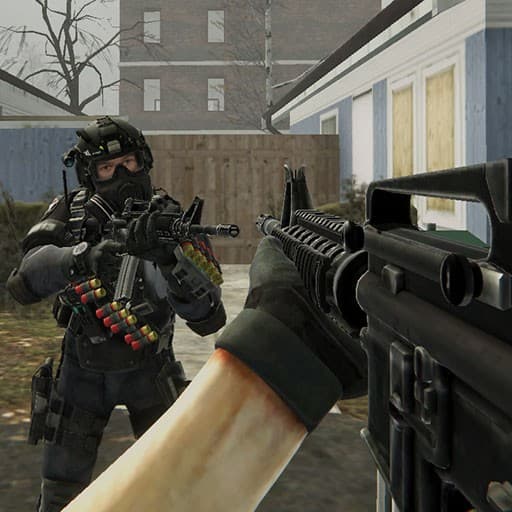
Call of Ops 2 is a multiplayer first person shooter built around deathmatch battles. You pick a player name, choose a server and fight other players on detailed maps with a large arsenal of weapons. The team behind it promises next generation graphics, and the menus show gritty soldiers and a ruined town to match.
Finding a Server
After you set your name in the User Profile box, Start Game opens a server list. Each row shows the server name, game mode, number of players, map and ping. Pick one and press Join Game, or press Refresh to look for new rooms. If the list is empty, you can make your own room instead.
Creating Your Own Match
Create Game lets you set the rules. You choose a server name, the maximum number of players (eight by default), the game mode, the map and the frag limit, which starts at 50. The mode shown is FFA, which means free for all: every player is on their own. The maps include a quiet suburb called Town and an indoor Library map.
Weapons and Controls
Move with W, A, S and D and shoot with the mouse. Press R to reload and P to pause. Press B to open the shop and buy weapons, so you can swap your starting gun for something stronger as the round goes on. In Call of Ops 2, good aim matters, but so does reloading at the right moment instead of in the middle of a fight.
Built for Computers
The game needs a keyboard and mouse, so it is made for computers and Chromebooks. A full screen window makes aiming easier.
You can play Call of Ops 2 online for free on Yup7. It runs in your browser with nothing to download, and Yup7 has many more free games, including more titles in the Multiplayer Games category.
Questions About Call of Ops 2
What game mode does it use?
Deathmatch, shown in the menu as FFA (free for all).
How do I buy weapons?
Press B during a match to open the weapon shop.
Can I host my own room?
Yes. Use Create Game to set the map, player limit and frag limit.