
 Free · No download · Plays in your browser







About Crazy Driver
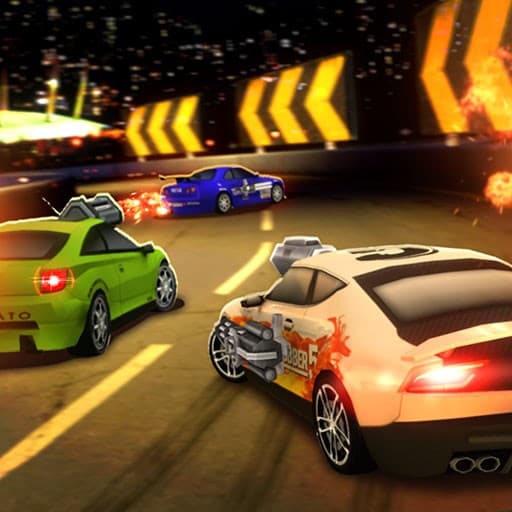
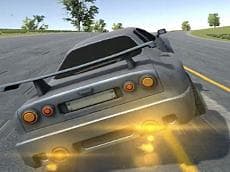
Crazy Driver is a 3D driving game where you build and customize voxel cars, smash through massive walls, pick up rewards and race through chaotic stages to become a demolition driver. You drive across blocky tracks, hit obstacles to break things, and try to reach the end of each stage while collecting whatever rewards appear.
Crazy Driver Controls
On desktop the game uses the keyboard: WASD or the Arrow Keys to drive and steer, Space to jump, Shift to brake and O to toggle Auto Drive. The developer notes those keys as the ground-truth controls, so use them when you want precision or to experiment with Auto Drive.
What to Upgrade in Crazy Driver
Car customization matters because you will face destructive obstacles and timed runs. Focus on changes that make your car feel more stable when you hit walls or boost through sections. Try different body shapes and setups until you find one that helps you clear the big walls without losing control.
Driving the Stages and Using Abilities
Jumping and braking are tools, not just speed modifiers: use Space to clear gaps or avoid clustered debris, and use Shift to slow before a tricky landing. Toggle Auto Drive with O when you want to concentrate on timing jumps and smashes rather than steering.
Practical Strategy for Better Runs
- Pick a car setup that balances speed and stability so you can hit walls without flipping.
- Time your jumps over obstacles rather than holding Space constantly; that preserves momentum for wall breaks.
- Use Auto Drive selectively to focus on collecting rewards while the car follows a steady line.
You can play Crazy Driver online for free right here on Yup7, and it runs right in the browser with nothing to download and Yup7 has many more free games.
Find more in the Racing Games collection on Yup7.
Questions Players Ask About Driving Stages
Is Crazy Driver free to play?
Yes, you can play it for free on the site.
What devices does it work on?
It plays in the browser on computers, Chromebooks, tablets and phones.
How hard does it get?
Stages grow more chaotic as you progress, with tougher walls and trickier layouts to handle.
What are the controls?
Use WASD or Arrow Keys to drive and steer, Space to jump, Shift to brake and O to toggle Auto Drive.