
 Free · No download · Plays in your browser








About Bloxd.io
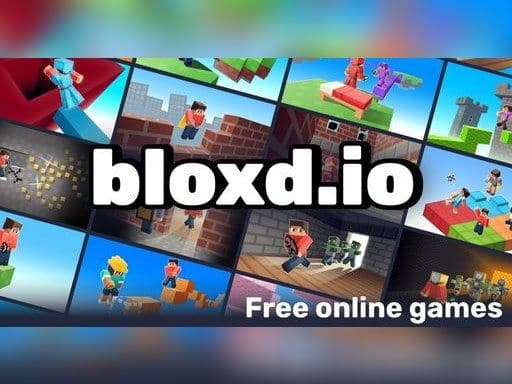
Bloxd.io is a free multiplayer game set in a blocky, voxel world, made by an independent developer named Arthur and first released in 2021. Instead of one game, it is a whole collection of modes: race through parkour courses, fight in team battles, build anything you can imagine or survive with friends. Everything happens in the browser, so you can switch modes in seconds.
A Long List of Modes
The mode list is the main reason people keep coming back. You will find Bedwars and Sky Wars for team fights, BloxdHop and EvilTower for parkour, Survival and OneBlock for gathering and crafting, Creative and Plots for building, and party modes like Hide and Seek, Murder Mystery and Pirates. There is also a calm Peaceful mode and a Survival Royale for battle royale fans.
Building and Breaking Blocks
In the building modes, right click places a block and left click breaks one. Use the number keys or the middle mouse button to switch between blocks. Gathering resources and crafting tools is part of the survival modes, while Creative lets you skip straight to building.
Gold, Shop and Friends
Completing achievements in Bloxd.io earns gold, which you can spend in the in game store. Press B to open the shop. You can also play with friends in the same world, and press T or Enter to open chat.
Keys for Running, Crouching and Menus
Move with WASD. Hold Shift or double tap W to run, and press C, Z, Caps Lock or the backslash key to crouch. Press O to open the menu and the slash key to type a command.
You can play Bloxd.io online for free on Yup7 with nothing to download, on computers, Chromebooks, phones and tablets. More free multiplayer games are waiting on our .IO Games page.
Bloxd.io Questions
Is Bloxd.io like Minecraft?
It has a similar blocky look, but it is its own game with many quick modes such as Bedwars and parkour.
Which mode should I try first?
Parkour modes are easy to start, and Bedwars is great with friends.
How do I get gold?
Complete achievements, then spend the gold in the shop.