
 Free · No download · Plays in your browser



About Crazy Shooters 2
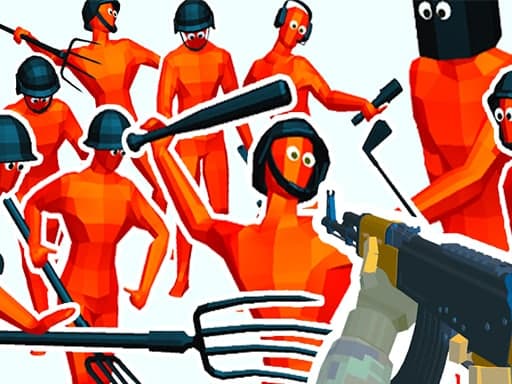
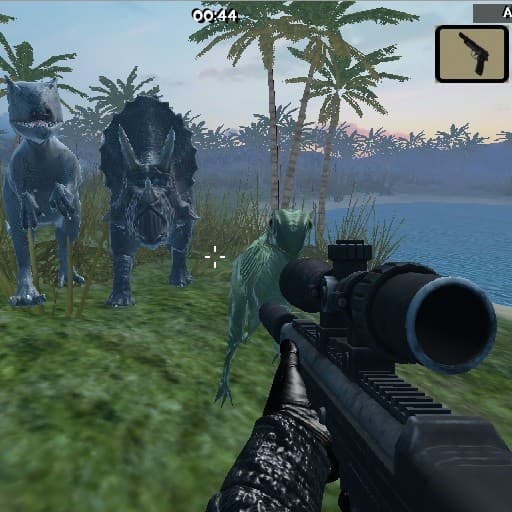
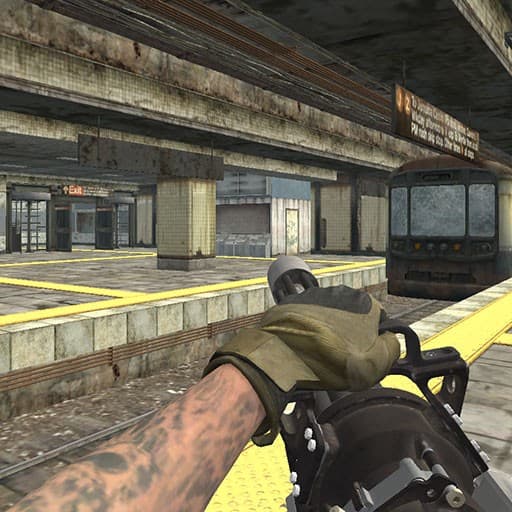
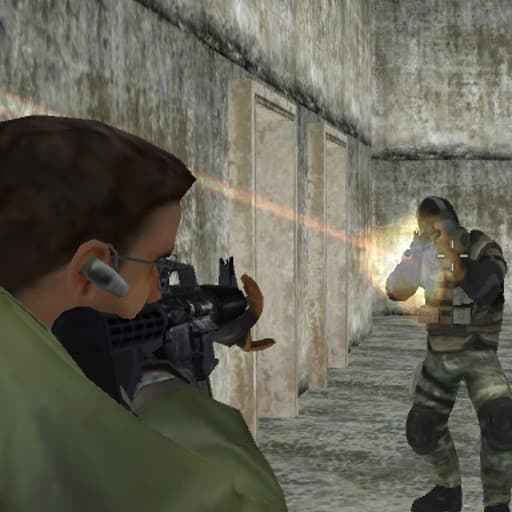
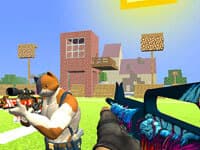
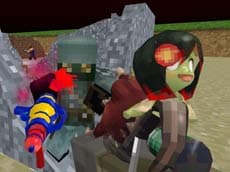
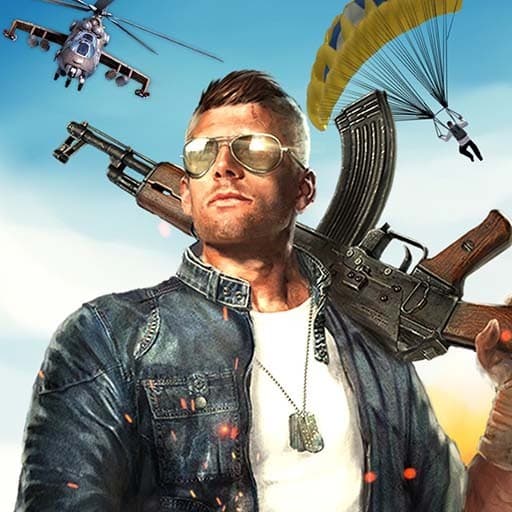
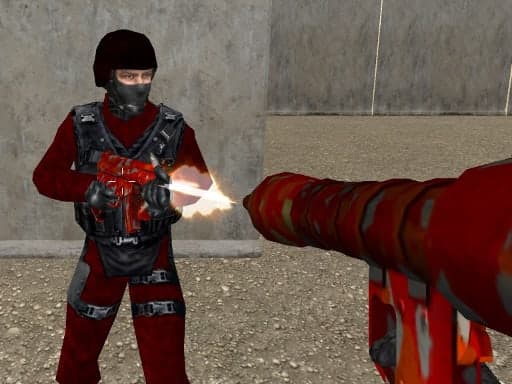
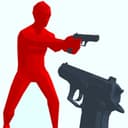
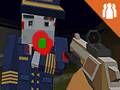
Crazy Shooters 2 is a multiplayer first-person shooter made for playing with friends. You can build a lobby the way you like it or walk into one somebody else has created, then fight it out with a selection of weapons that ranges from knives to rocket launchers.
Setting Up a Lobby Your Way
Every session starts in a lobby. Opening your own means you decide who you are playing with and how the match is set up, which makes it the easy option when friends are waiting. If you would rather start right away, pick one that is already running and join whoever is there.
Solo Chaos or Fighting as a Team
Matches can be a free-for-all, where everybody is your enemy, or a team fight against a rival squad. The two call for different play. On your own you need to keep moving and stay out of open ground, because anyone can catch you from any direction. On a team, staying near at least one ally means somebody is watching your back while you reload.
The Controls You Will Use Most
WASD or the arrow keys move your character, and holding Shift makes you run. The left mouse button shoots, the right one aims, R reloads and the space bar jumps. Keys 1 through 9 change weapons. T opens the chat, Enter sends what you typed, and Tab brings up the menu.
Making Your Weapons Work Harder
Choose the weapon for the place you are fighting. Blades reward getting close, lighter guns are flexible in hallways, and explosives are strongest when enemies have to come through one narrow path. Change weapons before a fight starts when you can, since switching under fire can cost you the duel.
You can play Crazy Shooters 2 online for free on Yup7, right in your browser with nothing to download, and many more free games are one click away. Have a look at the Shooting Games collection for your next match.
Questions Players Ask About Crazy Shooters 2
How do I play with friends?
Create a lobby and have them join it, or join one they have already made.
What does Crazy Shooters 2 cost?
Nothing, the game is free.
What can I play it on?
Computers and Chromebooks with a keyboard and mouse.