





















Surgery Sims, Clinic Management, and Emergency Care
From lighthearted check-ups to detailed surgery steps, these games cover many sides of medicine. Specialist play includes ENT care, eye exams, and hand injuries, while other titles focus on ambulance driving or running a busy ward. For families, doctor games for kids highlight simple choices and clear instructions that encourage careful attention and empathy.
Most Played Hospital and Surgery Games on Yup7
Here are some of the most played free doctor games on Yup7, spanning quick procedures, careful check-ups, and fast-response challenges.
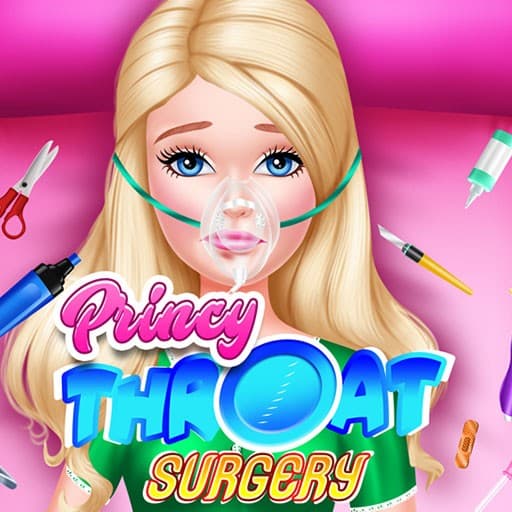
- Princy Throat Surgery: A free online medical simulation that lets you try out your skills as a doctor in a virtual clinic.
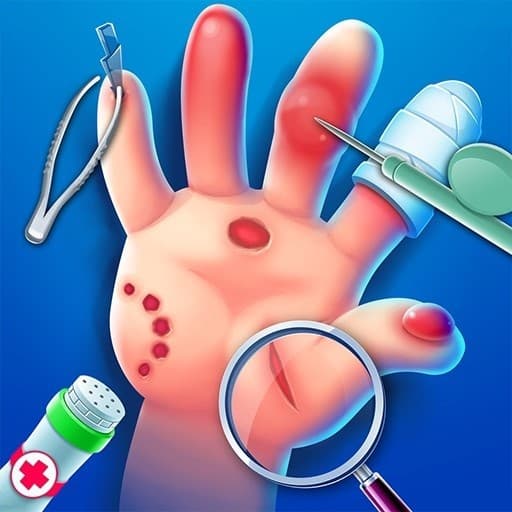
- Hand Doctor: Treat people with all kinds of hand injuries using the tools you need to cure scars, cuts, wounds, and bruises.
- Baby Hazel: Stomach Care: A cute care game where Hazel has a stomach ache and you follow the doctor’s instructions to relieve her discomfort.
- Ear Clinic: Help child patients who have various objects in their ears by examining them in turn and performing the necessary intervention.
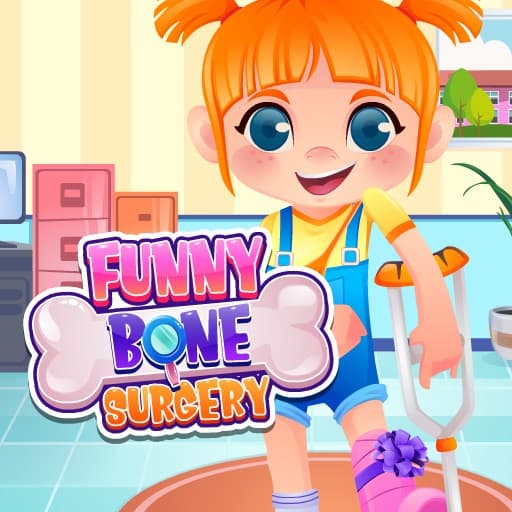
- Funny Bone Surgery: Start by cleaning and preparing a little boy who had an accident, then treat superficial wounds before moving on to broken bones.
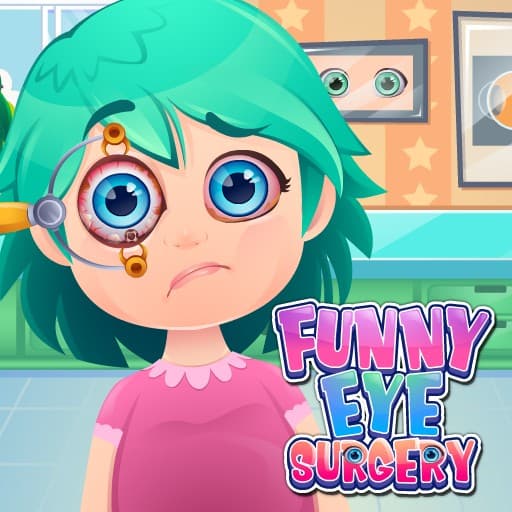
- Funny Eye Surgery: A simulation about restoring kids’ eye health in a sterile environment, presented across 3 parts.
- Healing Rush: Run a hospital to cure patients, earning money to expand the clinic and hire more doctors and nurses.
- Ambulance Driver: Take on the role of an on-call ambulance driver, navigate city streets for the sick or injured, give first aid, and load patients.
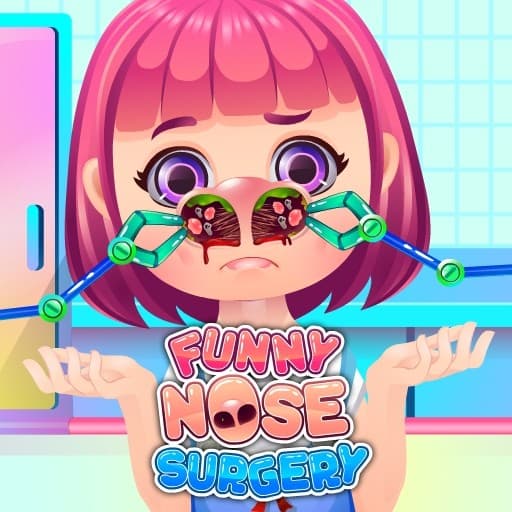
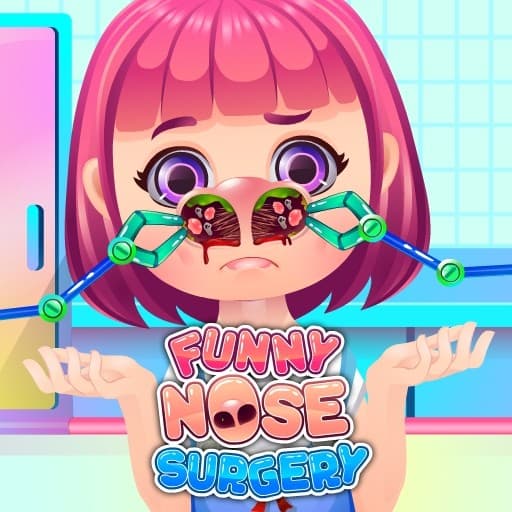
- Funny Nose Surgery: Clean and repair a badly hurt nose with medical aid, then customize hair, outfit, and style afterward.
- Levis Face Plastic Surgery: There is a lot to choose from here, and you can play it for free.
Ways to get better at virtual diagnosis and treatment
Here are practical ways to improve at doctor games online, from focused procedures to multi-step care:
- Read every prompt carefully. The instructions often outline the exact order of tools or steps needed to finish a case without mistakes.
- Match tools to the problem. Tweezers, swabs, disinfectants, and bandages usually have clearly marked purposes, so wait for visual cues before using them.
- Go from simple to complex. Clean and prep first, then treat deeper issues, and finish with any final checks or bandaging to avoid backtracking.
- Watch patient indicators. Faces, icons, and on-screen hints can show discomfort or progress, helping you correct course quickly.
- Stay calm when timers appear. Small, steady moves are more dependable than rushing through steps and repeating them.
- Practice common patterns. Many procedures repeat across games, so learning one routine can make the next case faster and smoother.
- Keep sound on if possible. Audio cues often confirm a correct action or signal when it is time for the next step.
Playing on Chromebook, laptop, phone, or tablet
These titles run in the browser, so they work well on school Chromebooks and home laptops without extra installs. Touch controls on phones and tablets make tap-and-drag steps feel natural. On phones, Hand Doctor, Baby Hazel: Stomach Care, and Ear Clinic work on touch screens for quick sessions during breaks. If a game feels heavy, close other tabs to help it run smoothly.
Related game topics for more patient care and puzzles
Explore more themes that pair well with medical play and careful choices:
Questions about doctor games
Do these games cost anything to play?
No. All games on Yup7 are free to play and run right in your browser.
Do I need to download or sign up first?
No. There is no download or account needed. Click a game and it starts in the browser.
Can I play on a school Chromebook or a family laptop?
Yes. These titles are browser based and work on modern Chromebooks and laptops. For the best experience, keep a stable internet connection and avoid having too many other tabs open.