

Blocky builders, shooters, and survival: styles you can play
From open-ended sandboxes to competitive arenas, these games cover a lot of ground. You will find creative building and crafting, tough survival loops, speedy parkour trials, and first-person shooters with pixelated maps. Some focus on exploration and resource chains, others on quick matches and minigames. Many are browser-based and easy to start, and there are plenty of minecraft games online that lean into teamwork or head-to-head play.
- Building and crafting: Gather resources and turn them into tools, shelters, and new stations.
- Survival and adventure: Stay alive while you explore, solve problems, and make smart choices.
- FPS and PvP: Fast rounds, different modes, and blocky arenas that reward aim and movement.
- Parkour and obstacle courses: Precision jumps, timing, and quick resets keep you learning.
- Clickers and management: Simple interfaces that distill mining and crafting into fast progress.
- 2D takes on a 3D classic: Side-view crafting adventures that are light on hardware.
Most Played Minecraft-Style Games on Yup7
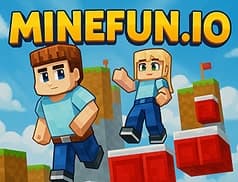
- MineFun.io: A dynamic, Minecraft-style browser game with free, no-download multiplayer that combines parkour, PvP battles, hide-and-seek, and creative mode in one .io game.
- Paper Minecraft: A 2D take where you choose a character and gather resources like wood and ore to craft tools and try to survive on a desert island.
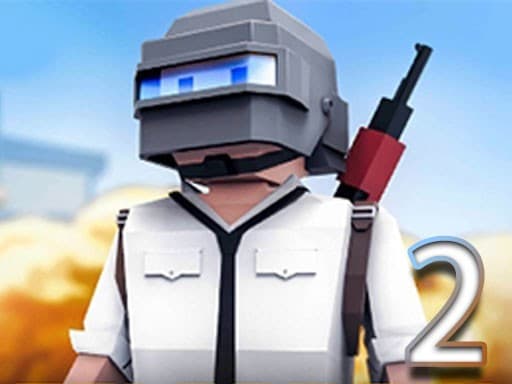
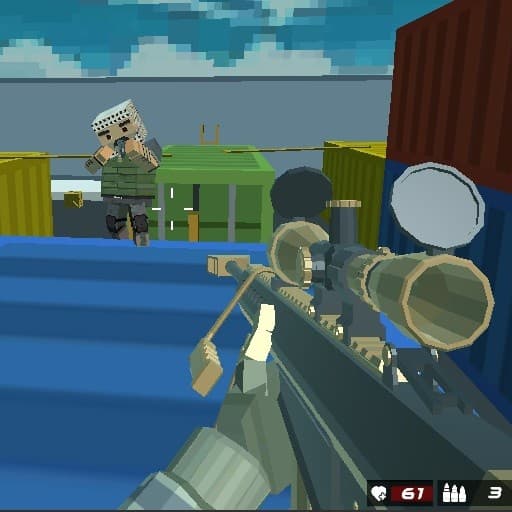
- Voxiom.io: A competitive first-person survival shooter with graphics similar to Minecraft, where you arm yourself, pick up resources, and try to survive.
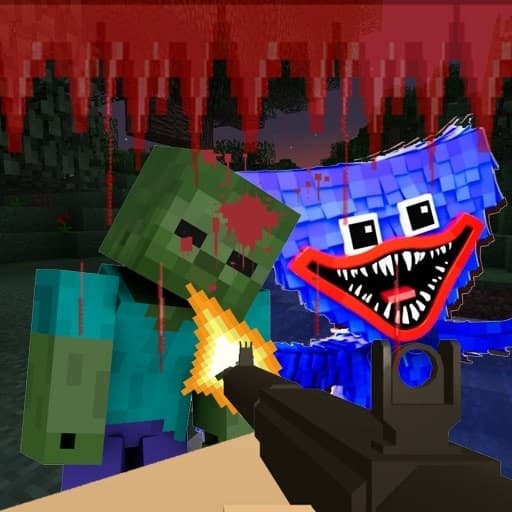
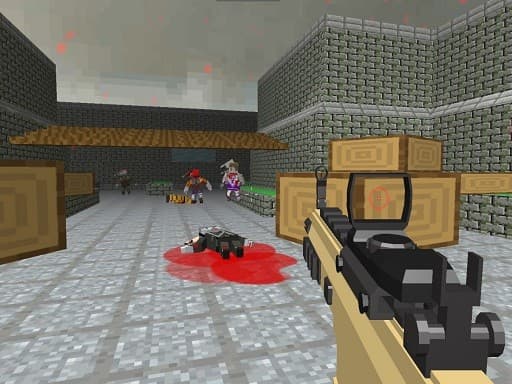
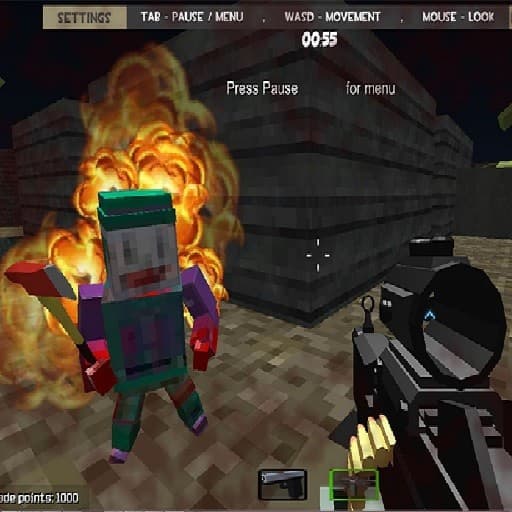
- Pixel Gun Apocalypse 6: A 3D first person shooter set in a minecraft-like world with multiplayer and a variety of guns, plus modes like survival, mercenary, and waves.
- Grindcraft: A browser clicker about mines and crafting that gets you working for useful materials, with a vibe of being stranded on an isolated island.
- Noob vs pro 2 Jailbreak: A funny adventure with simple, Minecraft-like graphics where you play a noob trapped in prison and plan a careful escape.
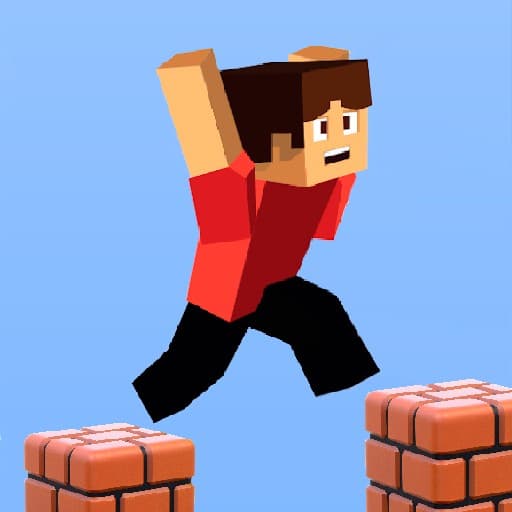
- Parkour Block 6: Tests your parkour skills with blocky courses full of gaps and platforms, where accurate timing and steady jumps lead to the finish.
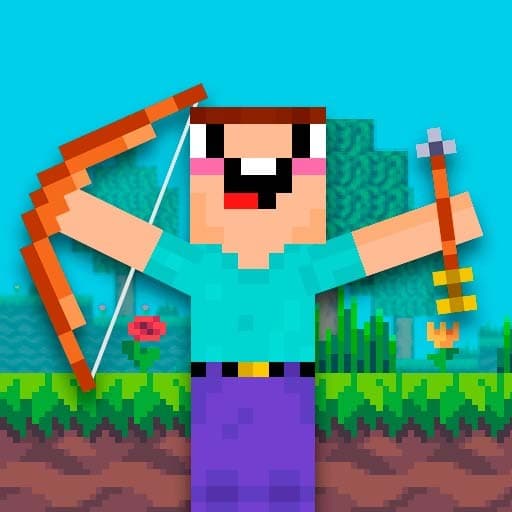
- Noob Vs 1000 Zombies: Mixes zombies with archery so you clear waves by shooting enemies with your bow and arrow.
- Fort Craft: A multiplayer FPS with team battles, different weapons and colorful skins, and a goal to collect the most frags in a round.
Tips to build smarter, survive longer, and land your jumps
- Set small goals: early on, focus on basic tools, a safe spot, and a plan for materials before chasing bigger projects.
- Read the room: in shooters, learn the map flow and good cover spots before taking wide duels.
- Movement matters: strafe, crouch, and peek to make yourself harder to hit; for parkour, square up to the next platform and keep a steady rhythm.
- Inventory discipline: keep key items and ammo in consistent slots so you can swap fast without thinking.
- Crafting order: prioritize tools that unlock more resources, then upgrade what you use most.
- Practice bites: short sessions help parkour timing and aim training stick, especially after tough fails.
- Optimize settings: lower sensitivity helps tracking in FPS; brighter gamma and lower effects can make obstacles easier to see.
- To play minecraft games smoothly, close extra tabs and use a stable connection so inputs stay responsive.
Playing on Chromebook, laptop, phone, or tablet
Everything here runs in the browser, so Chromebooks and laptops work great with a modern web browser. Shooters generally feel best with keyboard and mouse, while touch controls make slower-paced crafting and parkour comfortable on mobile. Examples that work on phones include Paper Minecraft, MineFun.io, and Parkour Block 6.
For mobile play, rotate to landscape and raise brightness for clearer block edges. On low-spec devices, reducing effects in game menus can help. Parents will also appreciate that many entries are approachable minecraft games for kids, while older players can try competitive modes when they want a challenge.
Related topics to explore next
- Survival Games: Gather, adapt, and make each run last longer.
- Zombie Games: From defense to exploration with the undead in tow.
- Obstacle Course Games: Precision jumping and timing tests.
- Co-op Games: Team up for shared goals and clever combos.
- .IO Games: Quick matches, easy joins, and lots of variety.
- Shooting Games: FPS and arcade shooters across different styles.
Questions about minecraft games
Are these games free to play?
Yes. All titles on Yup7 are free to start and play in your browser, with no purchase required.
Do I need to download or install anything?
No download or installation is needed. Click a game and it loads in your web browser.
Can I use a school Chromebook?
Yes. Games run in the browser on Chromebooks. If a title uses mouse and keyboard controls, make sure your device allows those inputs.
Do I need an account to save progress?
No sign-up is required to play. Some games track progress locally in the browser, but you can enjoy free minecraft games instantly without creating an account.