












Kinds of classic play and pixel styles you can try
From quick arcade loops to thoughtful puzzles, classic game styles stay fun because they are easy to learn and tricky to master. These free retro games often focus on timing, patterns, and high scores, with short rounds that make it simple to try again.
- Falling-block puzzles: Fit shapes together, clear lines, and keep the stack low for as long as possible.
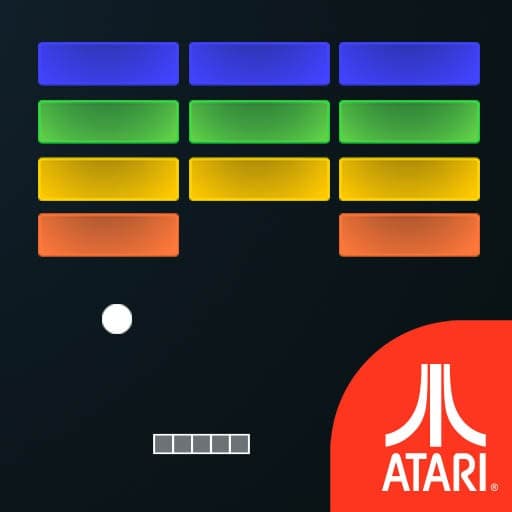
- Brick-breakers: Bounce a ball to chip away at colorful walls while guarding the bottom of the screen.
- Arcade shooters: Dodge, aim, and fire in scrolling skies or top-down arenas with waves of enemies.
- Maze and territory builders: Draw safe shapes, avoid enemies, and claim the board piece by piece.
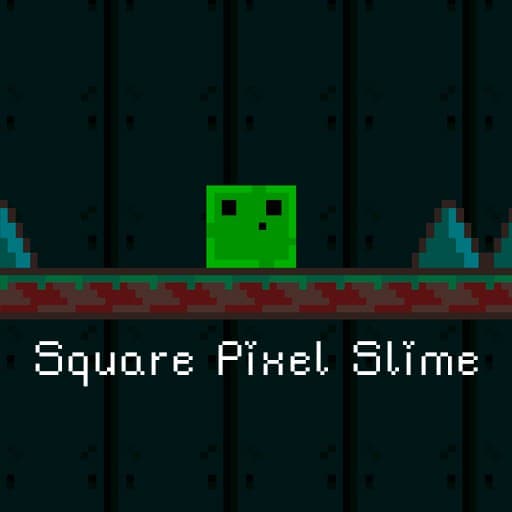
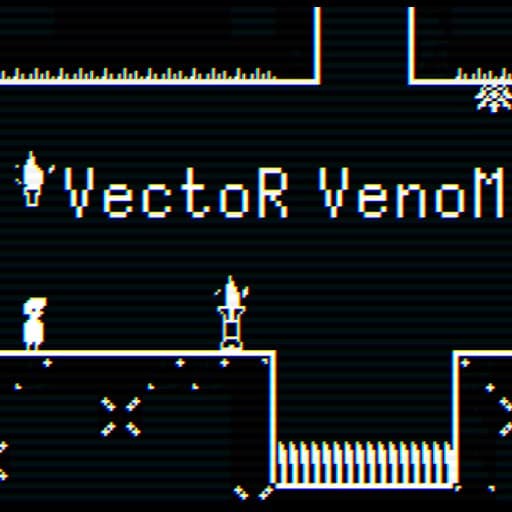
- Platformer challenges: Run, jump, and time every move across compact, hazard-filled stages.
- Retro-styled FPS and arena battles: Blocky worlds and straightforward objectives keep the action fast.
- Sports mini-games: Simple rules, short matches, and first-to-score wins.
- Creative pixel art: Classic look, color-by-number calm, and satisfying reveals.
Most Played Classics on Yup7
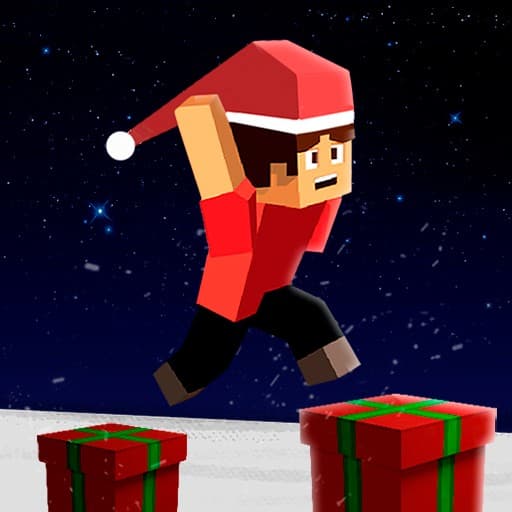
Geometry Dash: This is a free Skill Game. You will meet geometric shapes of various forms.
Tetris: Tetris is a classic falling-block game where you place incoming pieces of different shapes to fill horizontal rows. If a new piece cannot fit at the top because the stack reached the ceiling, the game ends.
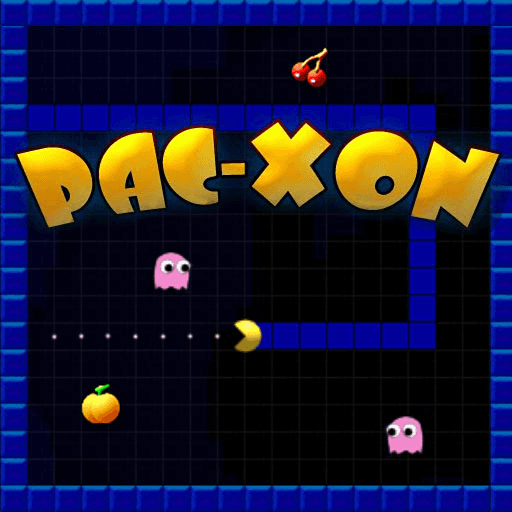
PacXon: Pac Xon is a combination of Pacman and Xonix games. You should create a rectangle or a square by filling the empty space while avoiding ghosts.
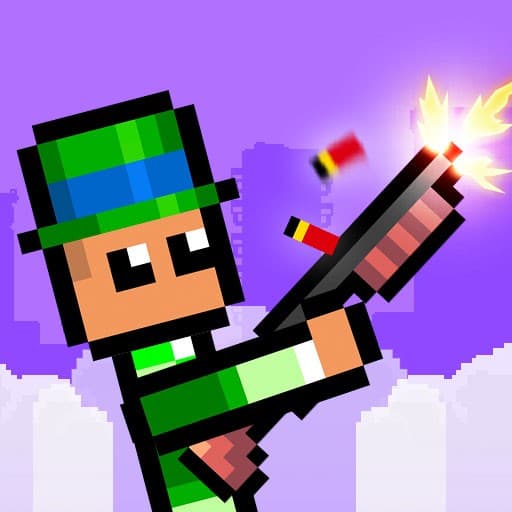
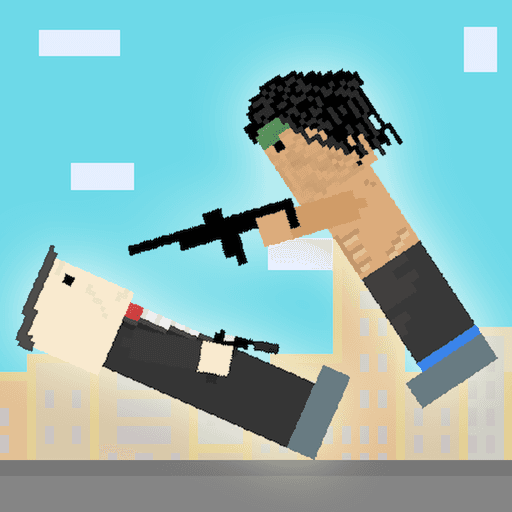
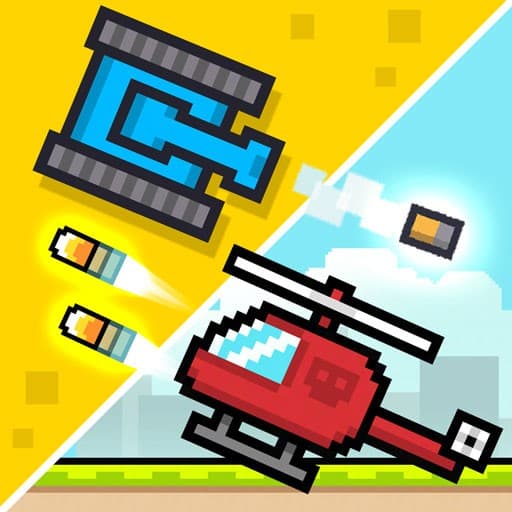
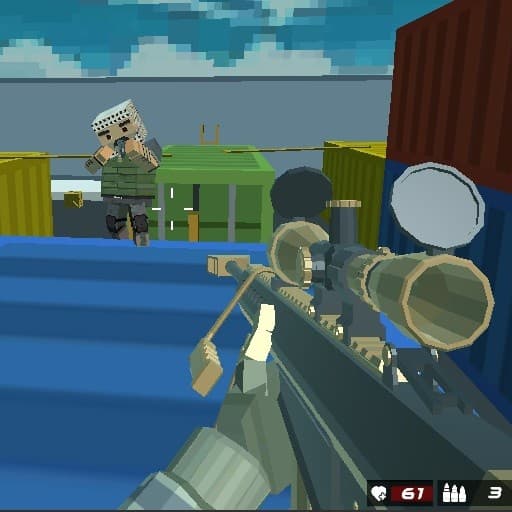
Rooftop Snipers: One of the 2 Player Games where you and a friend become snipers in a pixel-style setting, or you can play against the computer. You need to take your place at the rooftop and aim carefully at your target.
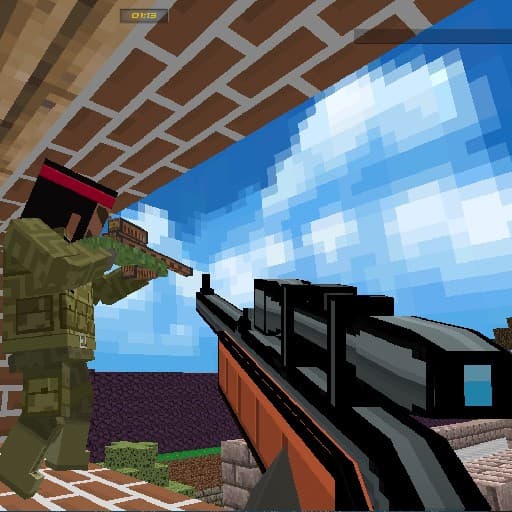
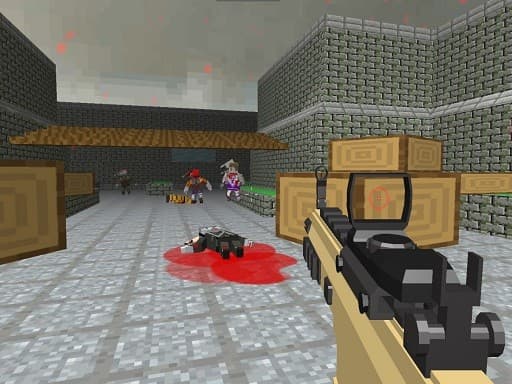
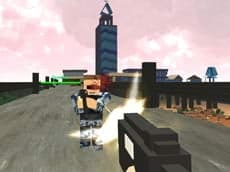
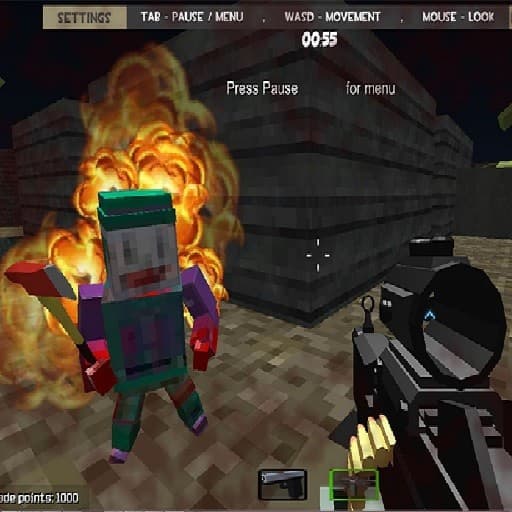
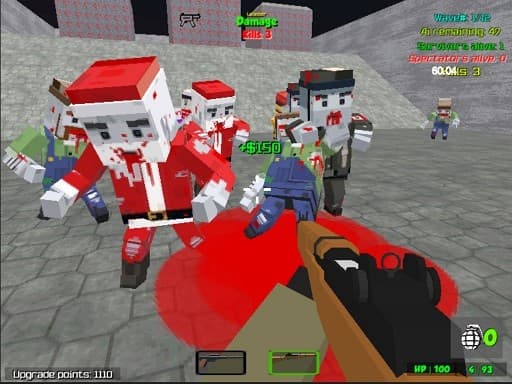
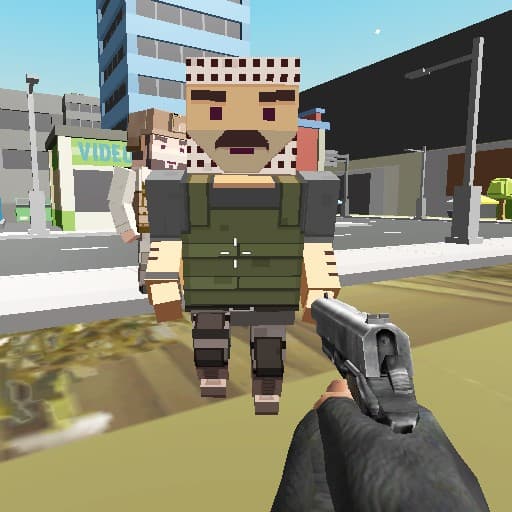
Pixel Gun Apocalypse 6: Pixel Gun Apocalypse 6 is a 3D first person shooter that features a minecraft-like world, a multiplayer mode, and a variety of guns and weapons. It includes a survival mod, a mercenary mode, and a wave system.
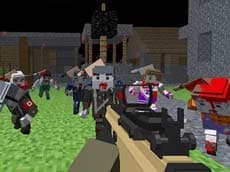
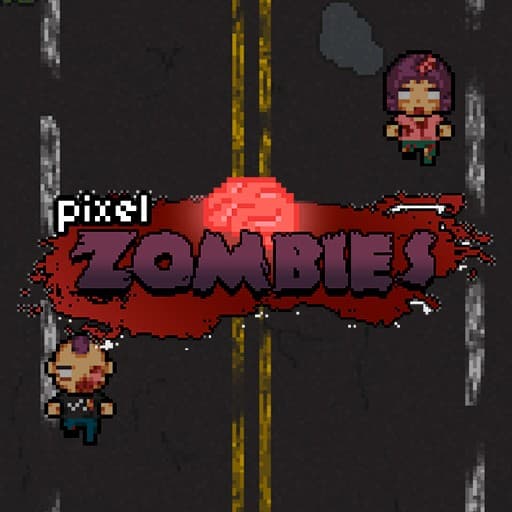
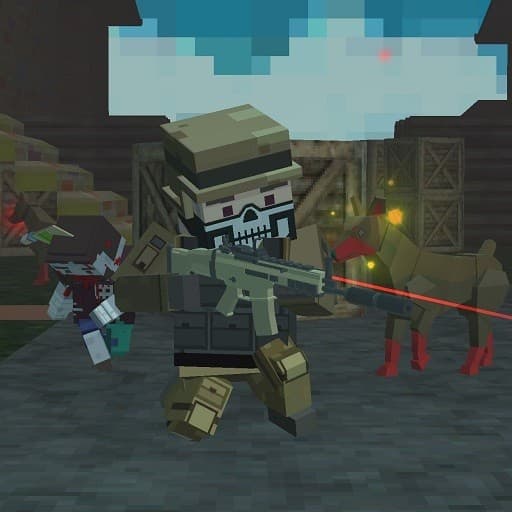
Pixel Apocalypse: Infection Begin: The goal of the game is to survive and get rid of all zombies in one map in a pixelated world. You can add up to 25 zombies to your map and collect various weapons.
Atari Breakout: Break the blocks with the shooting ball and move the game block right and left to keep the rally going. Remember, you have 3 lives until you break all the blocks.
Color Pixel Art: You have to paint by numbers in this educational children’s game. There is an instructional video at the very beginning and categories to choose from.
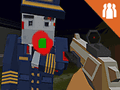
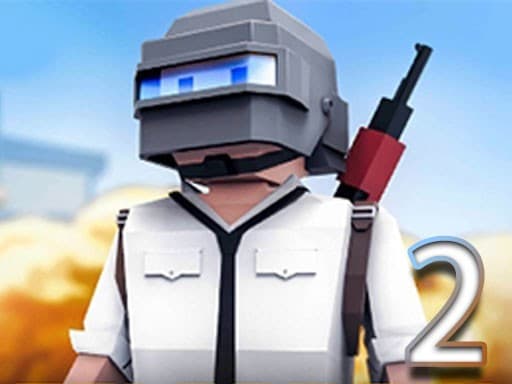
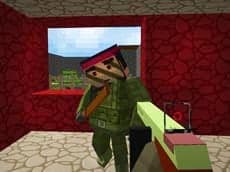
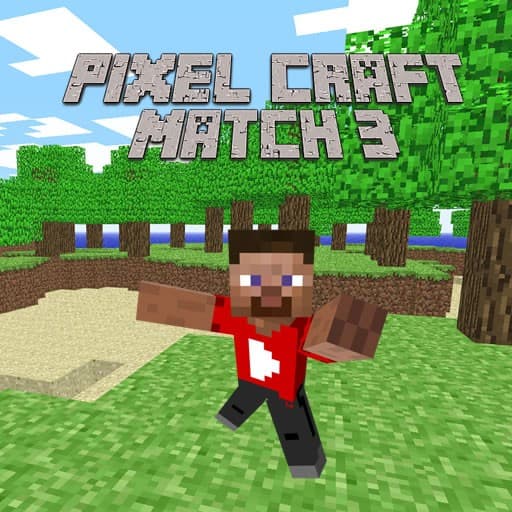
Pixel Warfare 3: Youtubers: It is a new version of the original action game from the developers of a popular YouTube channel. As in the first installment, the aim is to kill the enemies and get the highest score in a challenging 3D shooter.
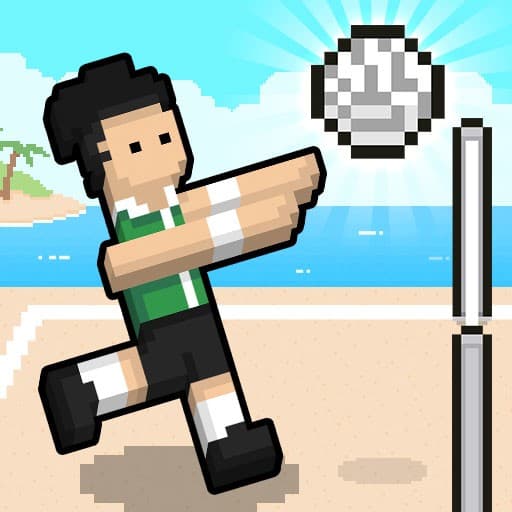
Volley Random: A fun volleyball game with goofy graphics and simple rules. The first player to five points wins.
How to get better at classic, arcade-style play
Old-school challenges reward practice, patience, and calm thinking. To play retro games well, focus on clean inputs and smart risk-taking so you last longer and score higher.
- Warm up with a few short rounds to settle into the game’s speed and timing.
- Learn patterns: enemy waves, block shapes, ball angles, and safe spots often repeat.
- Play for survival first, score second. Staying alive usually sets up bigger points naturally.
- Use small, steady movements. Tapping keys lightly is more reliable than holding them.
- Look ahead. If a game shows upcoming hazards or pieces, plan for what’s next, not just what’s on screen now.
- Keep the field tidy. Leaving clutter or stray enemies makes later moments harder.
- Reset your focus after a miss. A short breath between attempts prevents tilt.
- Turn on sound if helpful. Simple beeps and cues can signal timing or danger.
- Set tiny goals: survive 10 more seconds, clear one extra line, or reach the next wave.
- Review what ended your last run and adjust one habit at a time on the next try.
Playing on Chromebook, laptop, phone or tablet
These retro games online run right in a browser, so Chromebooks and laptops handle them easily without downloads. On a keyboard, arrow keys, WASD, and space are common, while a mouse or touchpad covers aiming and menus. On phones and tablets, most controls become simple taps and swipes. Many titles, including Geometry Dash, Tetris, and PacXon, work on phones, so quick sessions are easy during breaks or while traveling.
Related topics to try after classic challenges
Like fast restarts and tight timing? Try these hand-picked topics and categories that match arcade-style skills, teamwork, and obstacle play.
- Platformer Games for precise jumps, traps, and collectible hunts.
- Zombie Games for survival waves, barricades, and tense escapes.
- Co-op Games to share the action with a partner on the same screen or online.
- Obstacle Course Games with speedruns, timing gates, and trick routes.
- Arcade Games to chase high scores across quick-fire classics.
- Shooting Games that span simple one-button blasts to full 3D arenas.
Questions about retro games
What makes a game feel classic or retro here?
Simple controls, bright pixels, chiptune-style audio, and score-chasing loops give that old-school feel. Most sessions are short, so it is easy to retry and improve between attempts.
Are these games free and do I need to download anything?
Yes. All titles on Yup7 are free to play in your browser and do not require any downloads or installations. Just press play and start a run.
Do I need an account to play?
No sign-up is needed. You can start a game instantly and come back anytime without creating an account.
Are there retro games for kids?
Many options are easy to understand and focus on timing, patterns, and simple goals, making them friendly retro games for kids as well as fun for older players chasing high scores.